
Los Angeles
IPTV in Los Angeles: making it work in an LA home
Same streaming service, different set of problems. Here is what we would think about if we were setting up in LA.
Live TV on Pacific time
National events tend to be scheduled around the East Coast. An 8pm ET kickoff or awards show starts at 5pm in LA, when many people are still on the 405 or the 10.
Two things help:
- Check your app's time zone. A guide set to the wrong zone is the most common reason for showing the wrong times.
- Ask about catch-up. Tell us which shows you would want to watch later, and we will tell you what is possible.
Phone or tablet on the way home? Be careful with mobile data. An hour of HD can use 2 to 3 GB, and you should never stream while driving.
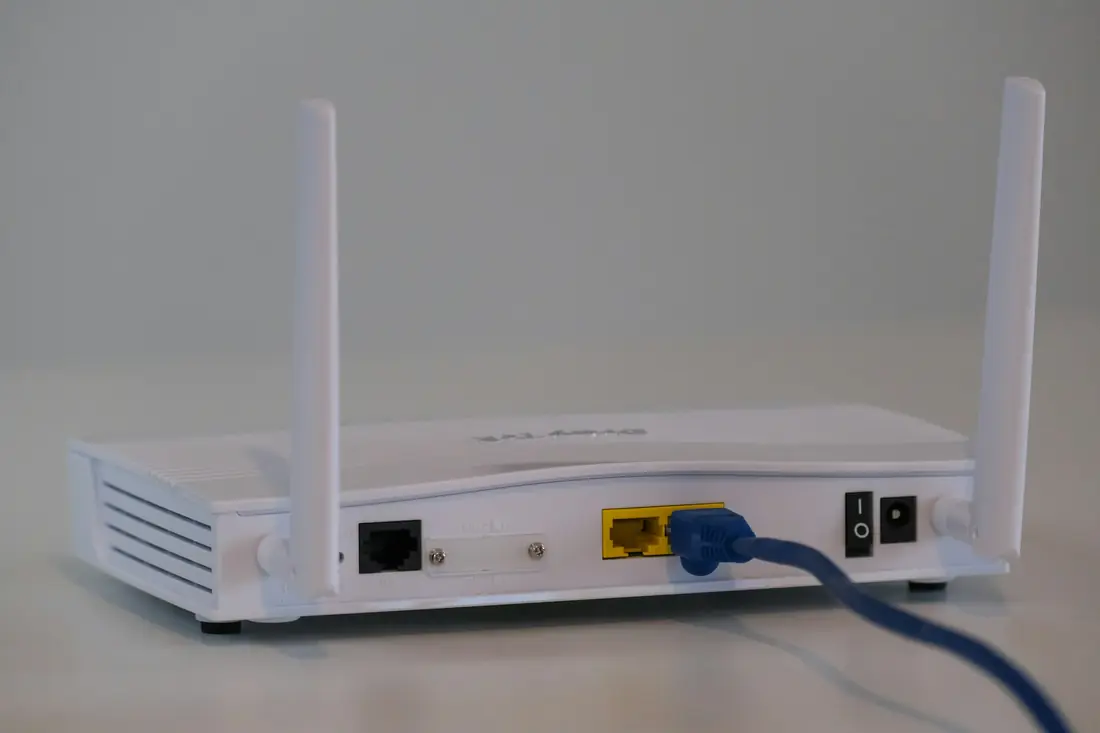
Apartment Wi-Fi is the usual culprit
Dense buildings in Koreatown, Hollywood, Mid-City or Downtown can have dozens of Wi-Fi networks competing in the same air. If your picture is fine at noon and stutters at 8pm, that is a likely cause.
- Use the 5 GHz network, which is less crowded and fine within one apartment
- Run a flat Ethernet cable along the baseboard if the router is in reach
- Keep the router out in the open, not in a closet
- In a shared-internet building, ask your landlord about the speed you actually get
Other LA questions we would ask
More than one language at home?
Plenty of LA households want English alongside Spanish, Korean, Armenian, Tagalog or another language. Tell us which, and we will check what is available before you pay.
Hillside or canyon home?
Internet options can be more limited in the hills. Run a speed test on your TV in the evening. If you are on a capped or mobile connection, IPTV may not be a good fit.
Ready for an outage?
IPTV needs power and internet. During wildfire season or an earthquake, rely on official sources and alerts, not on your TV stream. A battery radio is a sensible backup.
Setting up in LA?
Tell us your neighborhood type, device and what you watch, and we will tell you what to expect.