The picture keeps buffering
First: Open another streaming app. If that one stutters too, the cause is your connection, not the channel.
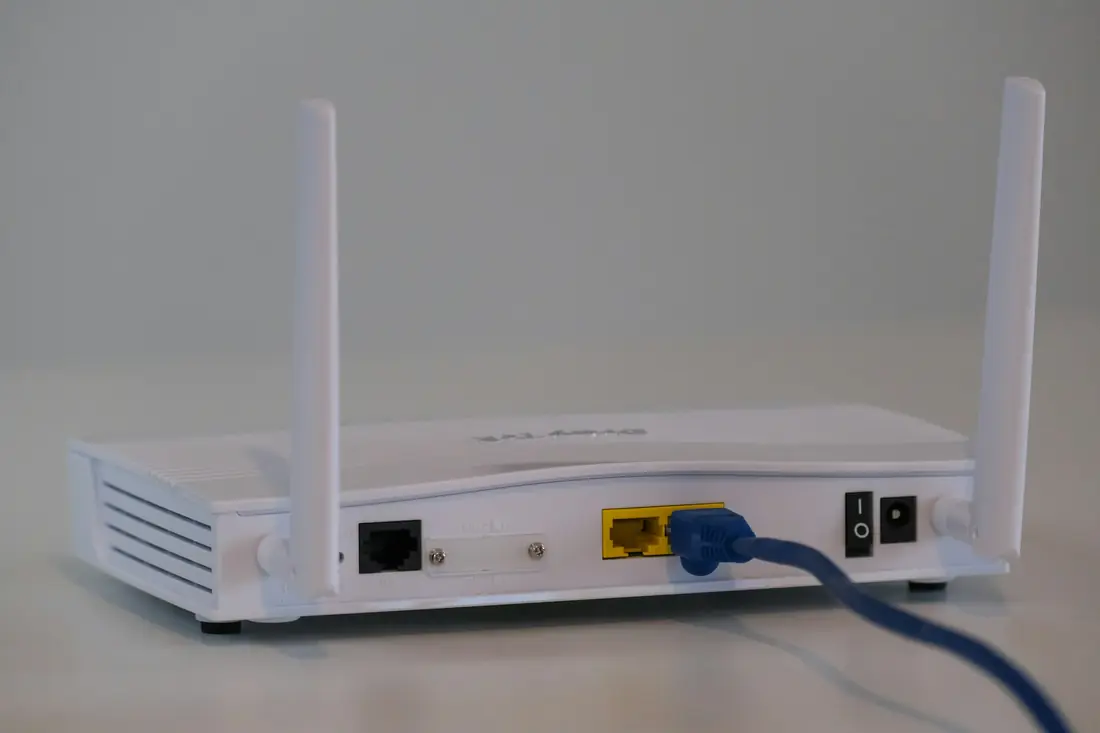
Then: Restart the router, move closer to it or connect by Ethernet. Lower the stream quality in your player app if it offers that setting.
One channel will not play
First: Try another channel in the same category, then close and reopen the app.
Then: If only that one fails, send the desk the channel name and what you see on screen.
Nothing loads at all
First: Check that the device is online by opening any other app or a web page.
Then: Sign out of the player app and sign back in, checking the details character by character. Then send the desk a photo of any error.
My login is not accepted
First: Check for capital letters, and for any stray spaces at the end of the username or password.
Then: Check your plan has not ended. If it is still active, ask the desk to check your account.
The guide is empty or wrong
First: Refresh or reload the guide from your player app's settings.
Then: Check that the date, time and time zone are correct on your device. Wrong settings often cause this.
Sound and picture are out of sync
First: Switch to another channel and back, then restart the app.
Then: If you use a soundbar or Bluetooth headphones, try the TV speakers to see whether the delay comes from the audio device.