Setup
Wi-Fi or Ethernet for Streaming? When a Cable Is Worth It
If your picture stutters, the cheapest fix is often a cable you may already own. Here is how to work out whether it will help.
Why Wi-Fi struggles with live TV
A movie app can store several minutes ahead, so it rides out short drops in your connection. Live TV has less room for that, so short Wi-Fi drops show up as freezes. Walls, microwaves and your neighbors’ networks all add to the problem.
When to use a cable
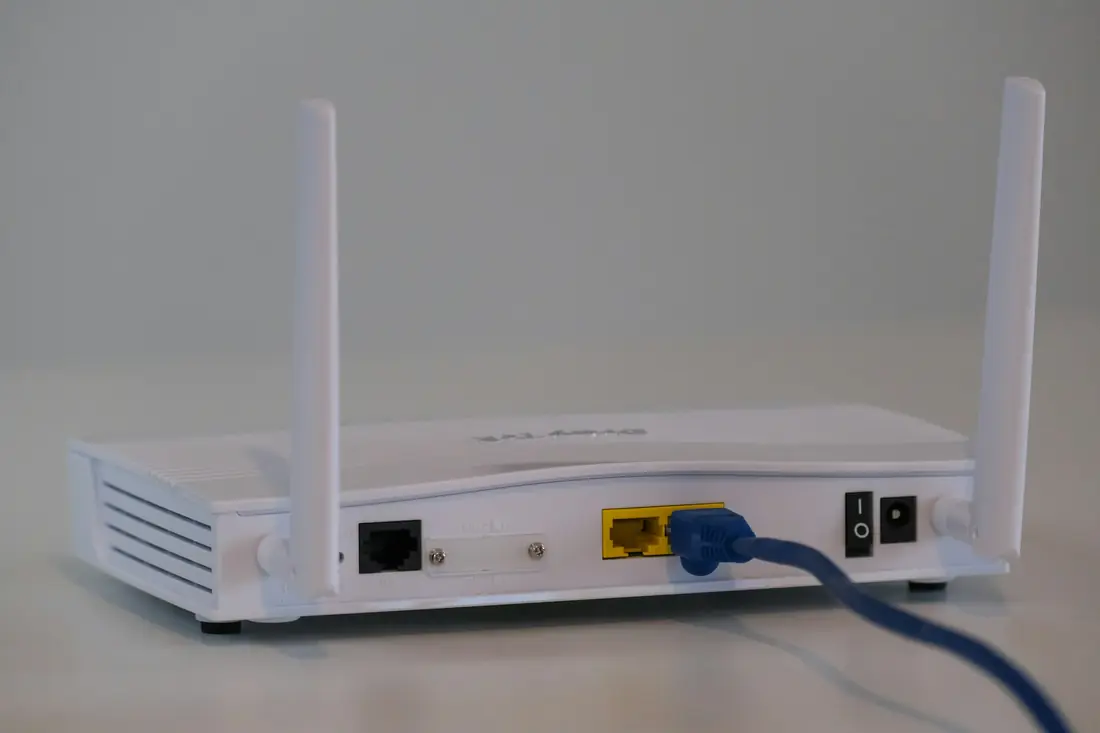
- Your TV or box has an Ethernet port and sits within reach of the router.
- Freezes happen at busy times of day, in a crowded apartment building.
- You mostly watch live events, where a pause is more annoying.
One detail to check: some TVs have an Ethernet port limited to 100 Mbps. That is still enough for a 4K stream, and a steady 100 Mbps beats a shaky 300 Mbps on Wi-Fi.
If you cannot run a cable
- Move to the 5 GHz band. It is faster and less crowded, but it covers a shorter distance.
- Add a mesh point near the TV. This is the most reliable fix for large homes.
- Try powerline adapters. They send the network through your electrical wiring. Results vary from home to home, so buy from a store with a good returns policy.
- Move the router. Out of a cabinet and into the open makes more difference than most people expect.
Sticks have an extra limit
Streaming sticks plug straight into the TV and sit behind it, which is a poor spot for an antenna. A short HDMI extender often helps, and many sticks accept an Ethernet adapter. See our Fire TV Stick guide for more on this.