Troubleshooting
What to Send Support When a Stream Stops Working
“It’s not working” is where most support chats begin, and it takes several messages to get from there to a fix. Sending the right details first saves you that time.
Run these three checks first
- Is it one channel or all of them? One channel usually points to that stream. Everything failing points to your connection, app or account.
- Does another app work? If another streaming app also struggles, the cause is your internet or Wi-Fi.
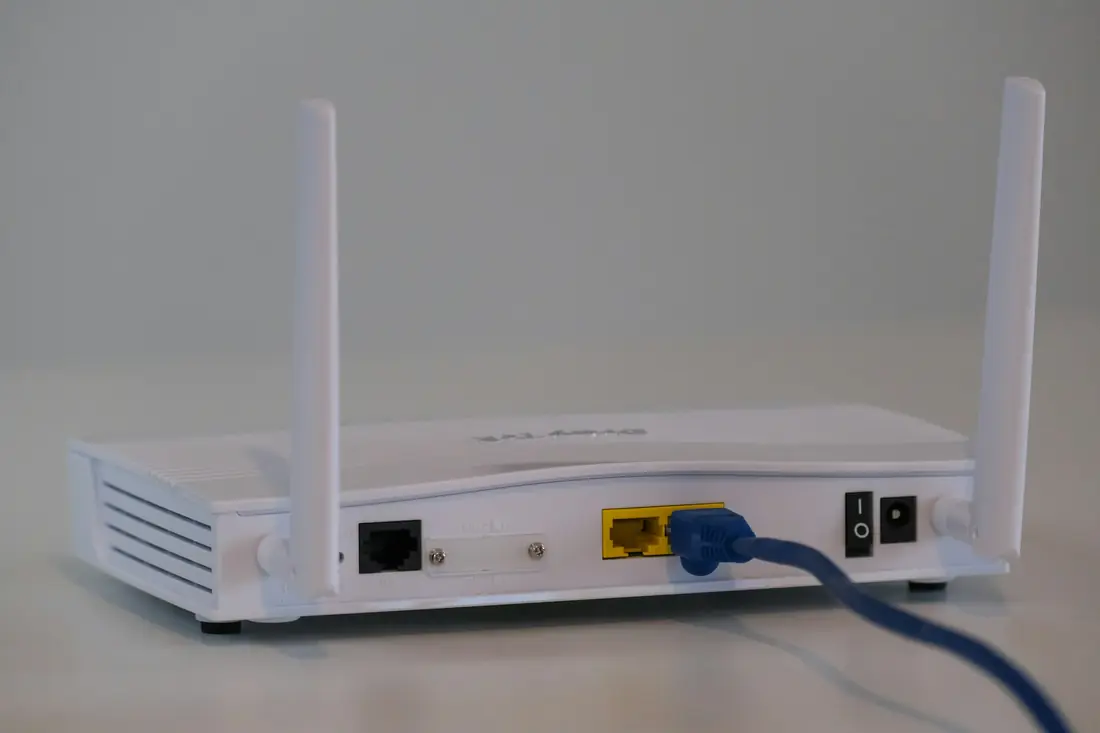
- Have you restarted it all? Unplug the router and the device for 30 seconds, then start the router first.
Then send these five details
- The device and model, such as “2019 LG TV” or “Fire TV Stick 4K”.
- The app you are using to watch.
- What you see: an error message, a spinning wheel, a frozen picture or no sound. A photo of the screen is ideal.
- When it started and whether it comes and goes.
- Your result from the three checks above.
What not to send
Never share your card number, or the password to your email or bank. We only need the username on your subscription to find your account. For more on this, read our guide to paying safely.
When you have those details, contact the desk.