Setup
Is Your Internet Ready for IPTV? A Ten-Minute Check
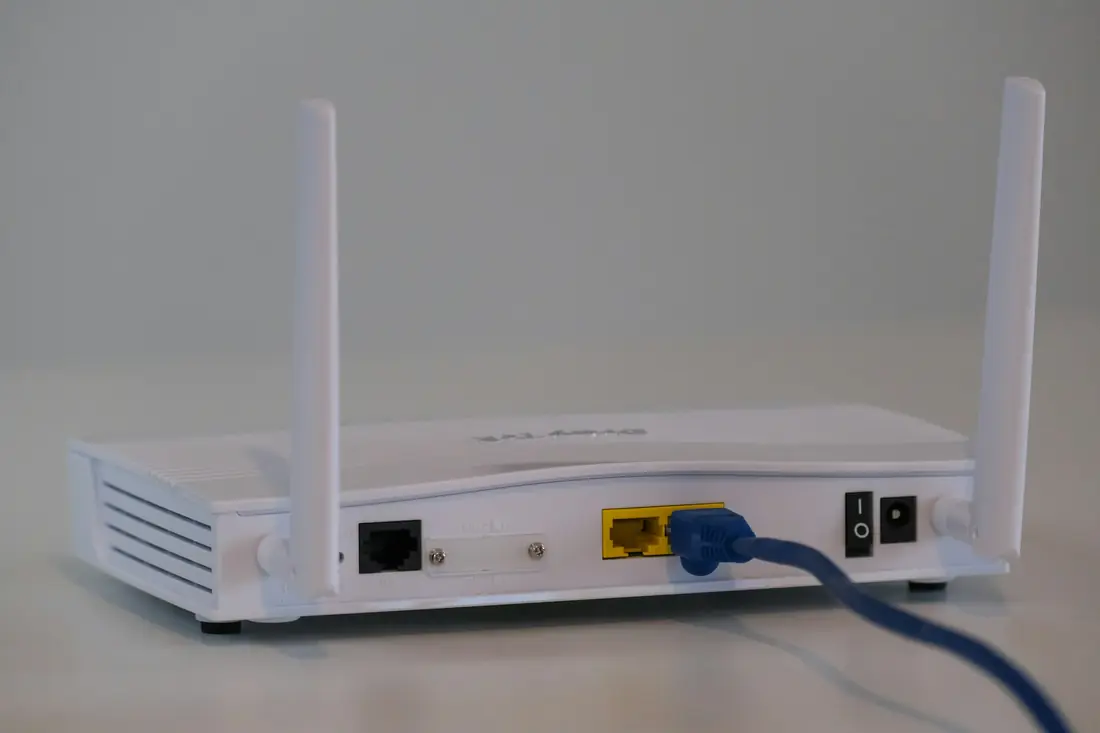
Most streaming trouble starts between your router and your TV, not at the service. This ten-minute check tells you where you stand before you spend any money.
Test on the device you will watch on
A speed test on your phone next to the router tells you very little about a TV two rooms away. Open the web browser or a speed test app on the TV or stick itself. If it has neither, stand your phone beside the TV instead and connect it to the same Wi-Fi network.
What the number should be
As a rule of thumb, allow around 10 Mbps for one high-definition stream and around 25 Mbps for one 4K stream. Add the same again for each extra screen that may be playing at the same time. These are planning figures rather than guarantees, because the picture also depends on your device and the stream itself.
Run the test twice
Test once in the morning and once around 8pm. If the evening number falls by half or more, your neighborhood or building is congested at peak time, and that is when you will notice it most.
Look at the steady number, not the peak
If the result jumps around during the test, your Wi-Fi signal is probably the weak link. Try the test again with the device closer to the router. If the number improves sharply, the fix is about placement or cabling, not a faster internet plan.
What to do with the result
- Plenty of headroom: you are ready.
- Fine close to the router, poor at the TV: try an Ethernet cable or a mesh Wi-Fi point.
- Poor everywhere: talk to your internet provider first, because no streaming service can fix this.
If you are not sure how to read your result, send a screenshot to our support desk and we will tell you honestly whether it is enough.